Adding Words to Fabric By Lucy Chena

 Addng titles, subtitles or journaling to fabric is a great way to add texture to your project. You can add rub-on, stamp, paint on letters and use your printer to run fabric through the printer. I have done pretty much what I listed here but I have never ran the fabric with the printer. I did it and its definitly going to be I will be doing regularly.
Supply List
Muslin Fabric or Duck Fabric
Stiffy Fabric Stiffener
Foam Bruch
Printer/computer

 Step Two: When its dry, peel it off the wax paper and insert it into your printer
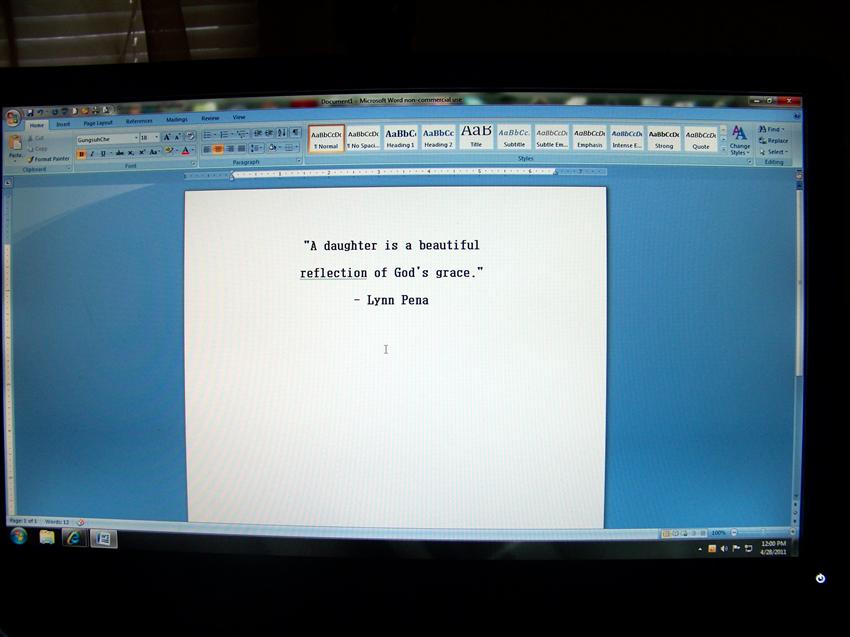
 Step Three: Create your quote, journaling or any other words to be printed on the piece of fabric. Then hit print on your printer. Hold the fabric piece till the printer gets it print.

 Step Four: Let it dry then cut it out to add to your project
I went wild when this worked for me. I did notice that not all fabric will work this way. The best kind that worked for me was canvas, muslin or duck cloth fabric. I can't wait to try this again



Supply List
Muslin Fabric or Duck Fabric
Stiffy Fabric Stiffener
Foam Bruch
Printer/computer

Step One: Add the fabric stiffener evenly with the foam brush. The fabric has to be saturated. Go over it again on the other side with even coats. Let it dry for 24 hours.



I went wild when this worked for me. I did notice that not all fabric will work this way. The best kind that worked for me was canvas, muslin or duck cloth fabric. I can't wait to try this again
Comments